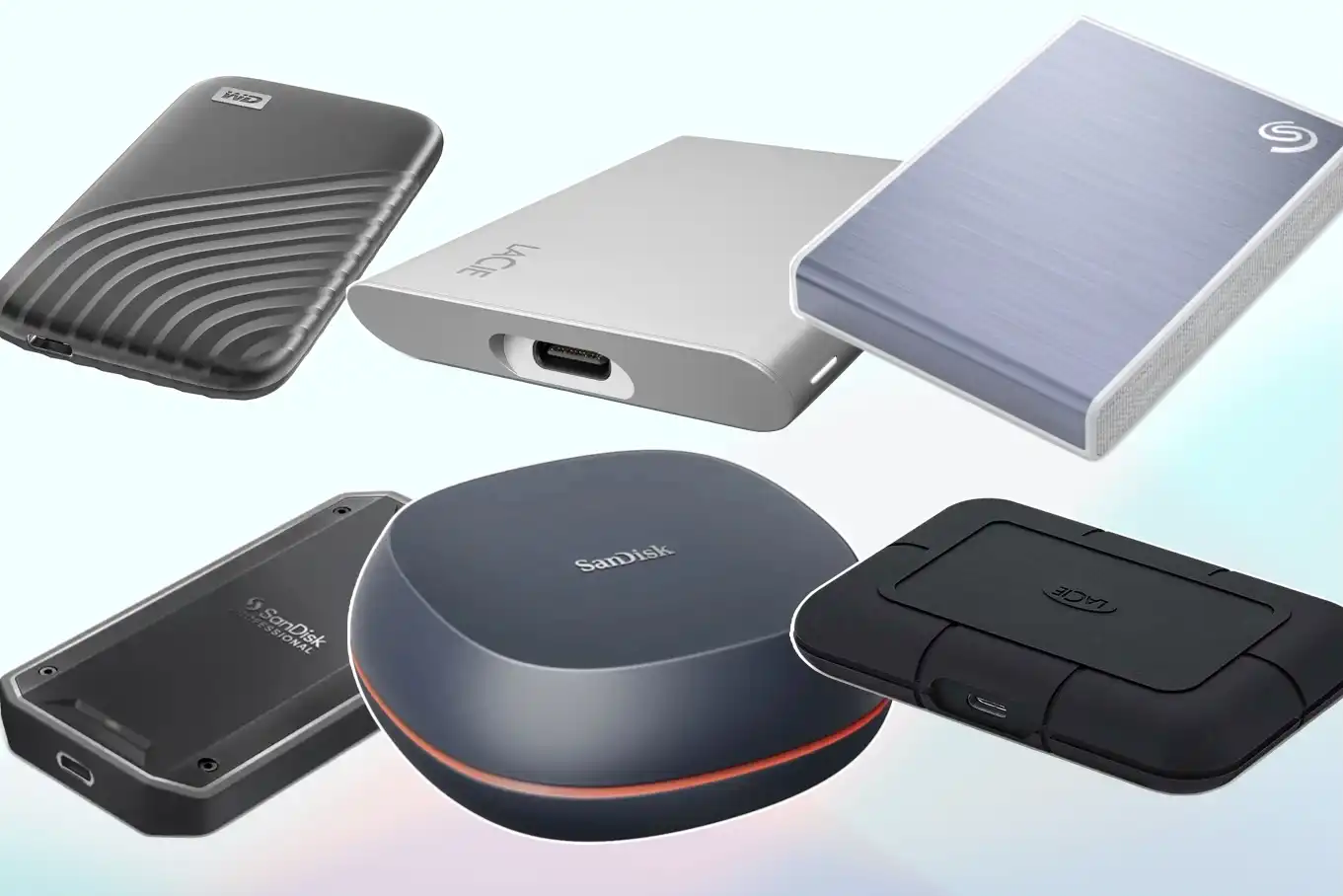
If you want to back up valuable data from your PC, transfer videos to a Mac or offload a few games from your game console, a good external SSD can help. These tiny bricks may cost more than a traditional portable hard drive, but they’re noticeably faster, smaller and far more reliable in the long term.
That said, determining the best external SSD for you isn’t as simple as picking the one that’s priced the lowest or packs the most space.
(At least, it shouldn’t be.) If you’re looking to add some portable storage to your desktop or everyday carry, we’ve spent months weeding through the external solid-state drive market, testing several contenders and sorting out which ones deliver the most value. You can find our favorites, plus a quick rundown of what to know before buying one of these things, below.
The Crucial X9 Pro finished at or just under the top in each of our benchmarks relative to its speed class, and it stayed noticeably cooler than most of the other drives we tested after extended use. It’s a USB 3.2 Gen 2 model, so it’s slower than alternatives based on Thunderbolt, USB4 or USB 3.2 Gen 2×2, but it costs less, and it’s still quick enough for the non-professional tasks most people do with a portable SSD.
Ports that can actually utilize USB 3.2 Gen 2 speeds tend to be more ubiquitous on mainstream computers, too. This isn’t the cheapest 10 Gbps drive around, but it’s in the same ballpark as its peers and isn’t too expensive. As of this writing, a 1TB model is available for $105, though it often goes for less. (We’ve seen it fall as low as $60 in the past.) 2TB and 4TB versions are also available.
Besides its relatively speedy performance, the X9 Pro stands out for being so tiny. Its aluminum case is shorter than a credit card and easy to fit in a pocket, weighing in at just 1.34 ounces.
The whole thing is IP55-rated, so it’ll survive dust and water splashes, and it’s backed with a five-year warranty, which is a couple years longer than some alternatives.
Our only real complaints are that the included USB-C cable is small and there’s no adapter for USB-A ports in the box. And though the X9 Pro can utilize 256-bit hardware-based encryption, Micron (Crucial’s parent company) has been late to release its own password protection tool to take full advantage of it.
We’ll also note that there’s a cheaper non-”Pro” X9, but that one uses QLC flash, so it’s not as durable or fast (especially with sustained writes). The X9 Pro is the better buy.
Best portable SSD – runner up
The Kingston XS1000 performs similarly to the Crucial X9 Pro but has sold for less over the last several months, so it’s a good alternative if you want to save some cash. A 1TB model is available for $75 as of this writing, which is $30 less than the X9 Pro, while the 2TB version is down to $120, which is a roughly $50 drop. There’s no 4TB option, though.
At those prices, the XS1000 is a good value for everyday backups and transfers. It kept up with or slightly edged the X9 Pro across our benchmarks: In our custom file transfer test, for example, its reads were a second faster, while its writes were only six seconds slower. (The two drives appear to have comparable internals and are based on a similar controller — the Silicon Power SM2320G — so this may not be a huge surprise.) It topped every USB 3.2 Gen 2 drive we tested in 3DMark’s gaming storage benchmark as well.
It’s slightly thicker than the X9 Pro but still wonderfully portable, with its stubby rectangular design weighing just over an ounce. Like the Crucial drive, it’s backed by a five-year warranty.
Where Kingston’s model falls behind Crucial’s X9 Pro is in the extras. There’s no formal IP or drop ratings, so we wouldn’t feel as comfortable chucking it around on the go. It lacks hardware-based encryption, and it only comes with a USB-C to A cable, so you’ll need to supply your own adapter if your laptop only has USB-C ports.
It doesn’t stay quite as cool as the X9 Pro with continuous use, and its sustained write performance isn’t as fast either, so it’s worth paying up if you plan to regularly copy hundreds of gigabytes to the SSD (and can’t just get a higher-class model). For the money, though, all of this may be easier to overlook.
Best premium portable SSD
If you’re a media editor, IT professional or just an enthusiast willing to pay for the fastest portable SSD possible, get the ADATA SE920. It utilizes the newer USB4 interface, and it blew away every non-40 Gbps drive we tested across our benchmark tests.
In AmorphousDiskMark, for example, the Crucial X9 Pro delivered sequential reads and writes around 1,015 MB/s and 950 MB/s, respectively; here, those were about 3,350 MB/s and 3,125 MB/s. In our custom mixed file transfer test, we were able to move our 70GB folder to our MacBook in 32 seconds; with the X9 Pro, that process took about 81 seconds on average. Writing the folder to the drive, meanwhile, was about 30 seconds faster.